IPTV box: how to choose one and set it up
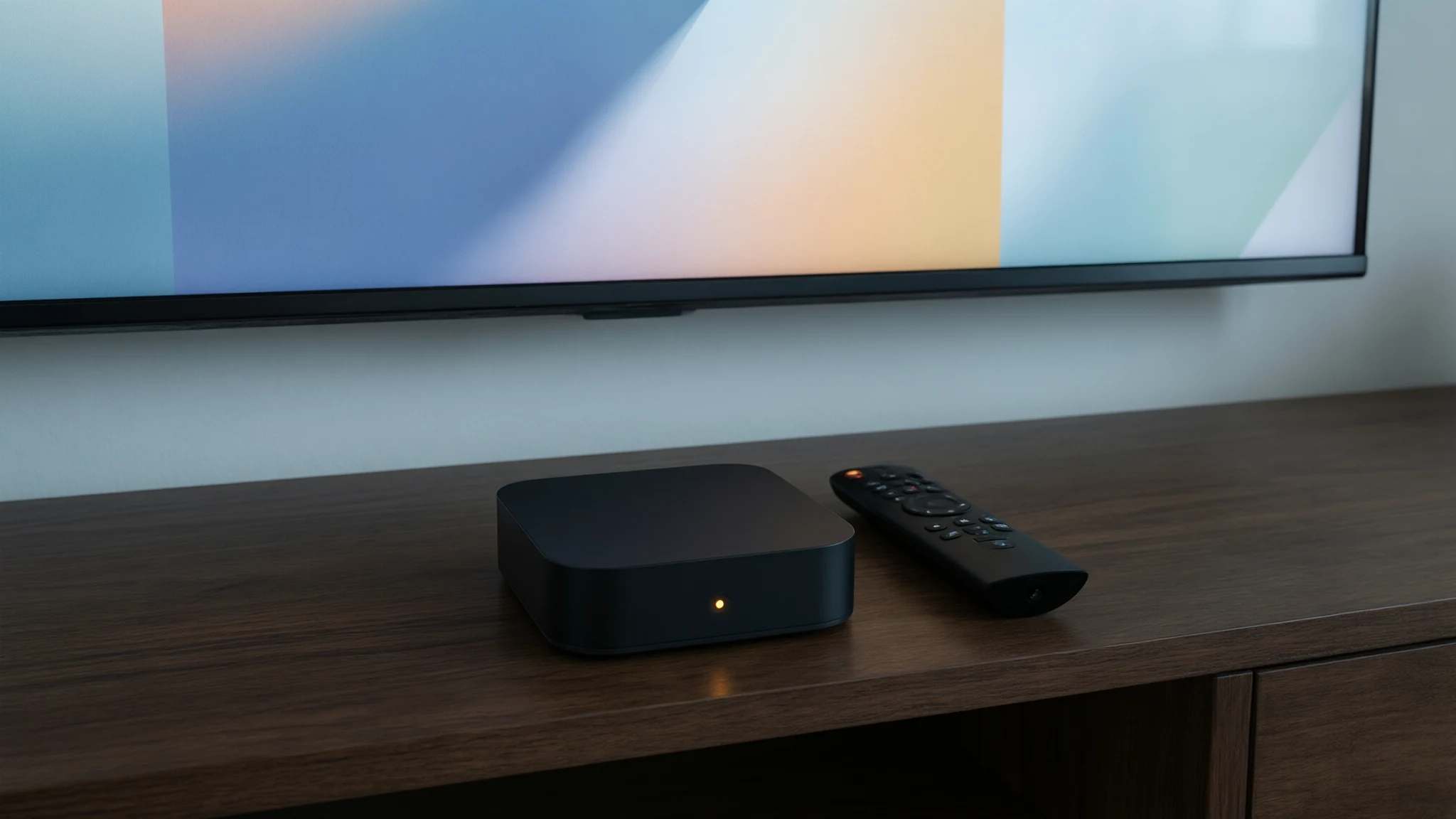
An IPTV box is a small Android TV or Google TV player that plugs into your TV and runs IPTV apps such as TiviMate. Choose a certified model, avoid boxes sold “fully loaded”, and you'll be set up in about fifteen minutes.
Step-by-step setup
An “IPTV box” isn’t a special kind of device: it’s almost always an Android TV or Google TV streaming box. You plug it into your TV’s HDMI port, sign in, install a player app and enter your subscription details. The hard part is choosing the right box.
Certified or no-name?
Certified boxes run official Android TV or Google TV software approved by Google. You get the Play Store, security updates and apps that work as intended. Well-known examples include the Nvidia Shield, Google’s own streamer and store-brand Google TV boxes sold by big retailers.
No-name boxes sold online for very little often run uncertified Android. Some have been found to carry malware straight out of the box: in June 2025 the FBI warned about millions of cheap, uncertified streaming devices infected with the BADBOX 2.0 botnet. Avoid boxes advertised as “fully loaded” with apps already installed: they are the riskiest of all.
Set up your box for IPTV
-
Connect the box
Plug the box into an HDMI port on your TV and into power. If you can, connect an Ethernet cable from your router: it’s more stable than Wi-Fi.
-
Sign in and update
Follow the on-screen setup, sign in with a Google account, then open Settings → System → About → System update and install any update before going further.
-
Install a player app
Open the Google Play Store, search for TiviMate or IPTV Smarters Pro and install it. On a certified box, you never need to install apps from outside the store.
-
Sign in with your login details
Open the app and choose the Xtream Codes login. Enter the server address, username and password exactly as we sent them, then wait while channels and the TV guide load.
Make it run smoothly
Turn off apps you don’t use, keep the box out of a closed cabinet so it doesn’t overheat, and restart it now and then. If you ever change boxes, install the same app on the new one and sign in again: your subscription follows you, as long as only the number of devices on your plan watch at the same time.
Recommended apps
-
TiviMate
Built for Android TV boxes: a fast, cable-style guide that handles large channel lists. Free, with an optional Premium upgrade.
Read the guide -
IPTV Smarters Pro
Simple to set up and also available on phones, so you can use the same app everywhere in the house.
Read the guide -
IBO Player
A paid player, after a trial period, that also runs on Samsung and LG TVs if you mix devices at home.
Read the guide
Common problems
- The box is slow or freezes
- Budget boxes with 1–2 GB of memory struggle with large channel lists. Clear the player app's cache, close apps running in the background, and restart the box once a week. Read the guide
- No Google Play Store
- Uncertified boxes often ship without Play Store, or with a modified one. That's a sign the box isn't certified: you'll have to install apps from files, with more risk. A certified box avoids this.
- Picture stutters on Wi-Fi
- Most boxes have an Ethernet port. Use it: a cable is the single most effective fix for buffering on a box.
- Remote stops working
- Replace the batteries first, then re-pair it in Settings → Remotes & accessories. A cheap Bluetooth remote with voice search is a worthwhile upgrade on many boxes.
Get your login
-
12 months
Most popular$ $60.99 for 12 monthsOrder — 12 months