IPTV on Android TV: setup guide for TVs and boxes
Android TV and Google TV are the easiest systems for IPTV: the best players are in Google Play, so there's nothing to sideload. Install TiviMate or IPTV Smarters Pro, sign in, and you're done in about five minutes.
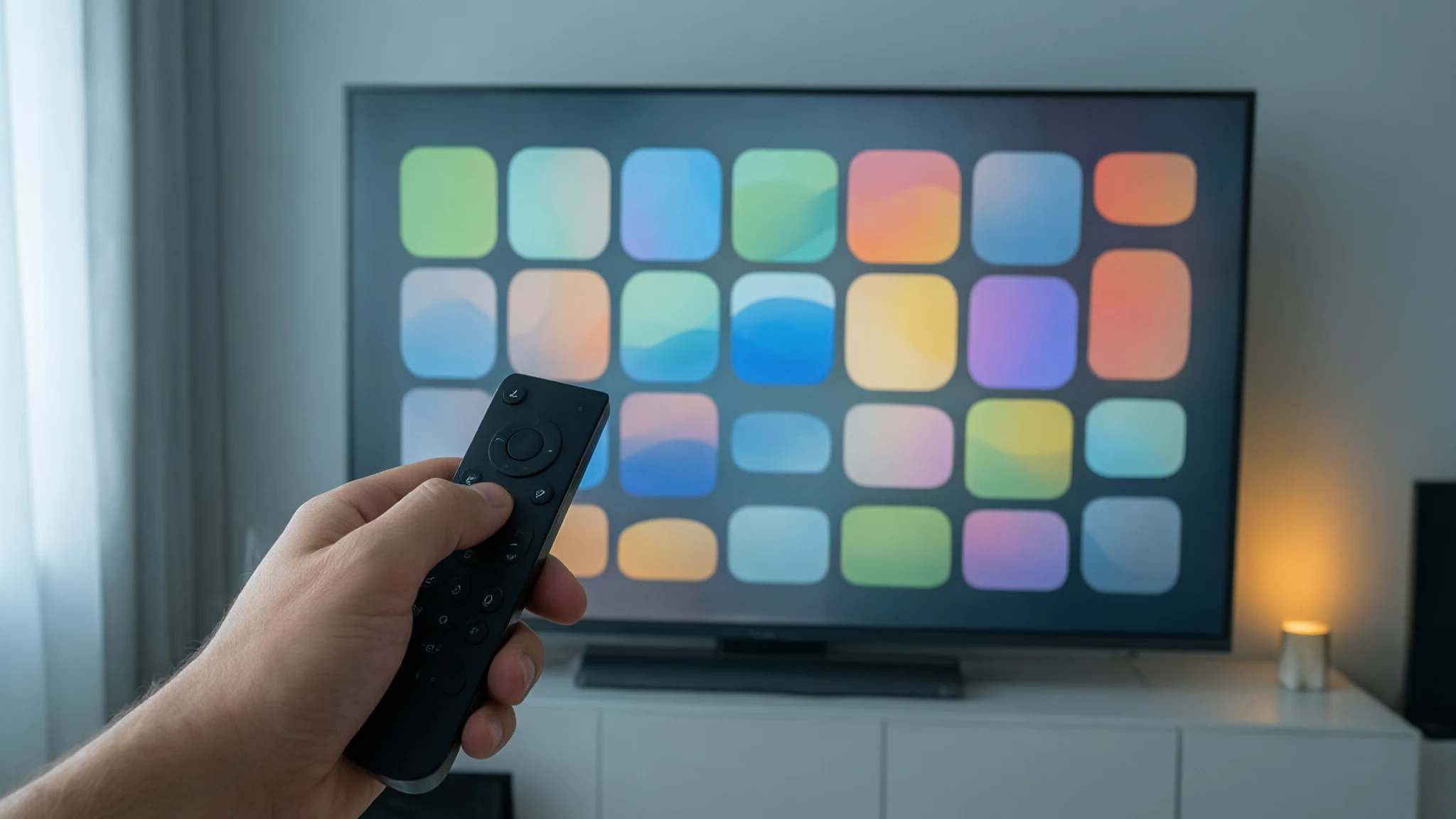
Step-by-step setup
Android TV, and its newer Google TV interface, run on many TVs from Sony, Philips, TCL and Hisense, and on streaming boxes such as the Nvidia Shield. For IPTV it’s the simplest platform: the best players are in Google Play.
Install and sign in
-
Update the device
Open Settings → System → About → System update and install any update. Recent software means fewer app glitches.
-
Install a player from Google Play
Open Google Play, search for TiviMate or IPTV Smarters Pro and install it.
-
Add your login
In TiviMate choose Add playlist → Xtream Codes; in IPTV Smarters Pro choose Login with Xtream Codes API. Enter the server address, username and password we sent you.
-
Let the guide load
Wait while channels and the TV guide download. The first load can take a minute with large lists.
Tune it for a smooth picture
Connect by Ethernet when you can, raise the buffer size in the player’s playback settings if channels pause, and hide channel groups you don’t use. Full details are in our TiviMate guide. Using a separate box rather than a TV? See our IPTV box guide.
Recommended apps
-
TiviMate
The best TV guide on Android TV, fast with large channel lists. Free, with optional Premium.
Read the guide -
IPTV Smarters Pro
Simple tiles-based layout, and the same app on your phone and computer.
Read the guide
Common problems
- The app isn't in Google Play on my device
- Some apps are listed only for certain devices or countries. Search the exact name, check for system updates, or use the other player.
- Remote feels laggy in the app
- Budget devices with little memory slow down with large channel lists. Hide channel groups you never watch and clear the app cache.
- Buffering
- Use Ethernet if your TV or box has a port, raise the app's buffer size, and restart the device. Read the guide
Get your login
-
12 months
Most popular$ $60.99 for 12 monthsOrder — 12 months