IPTV Apple TV guide: best apps and setup
Apple TV can't install apps from outside the App Store, but the store has several good IPTV players. Install one, add your Xtream Codes login or M3U link, and the tvOS remote does the rest.
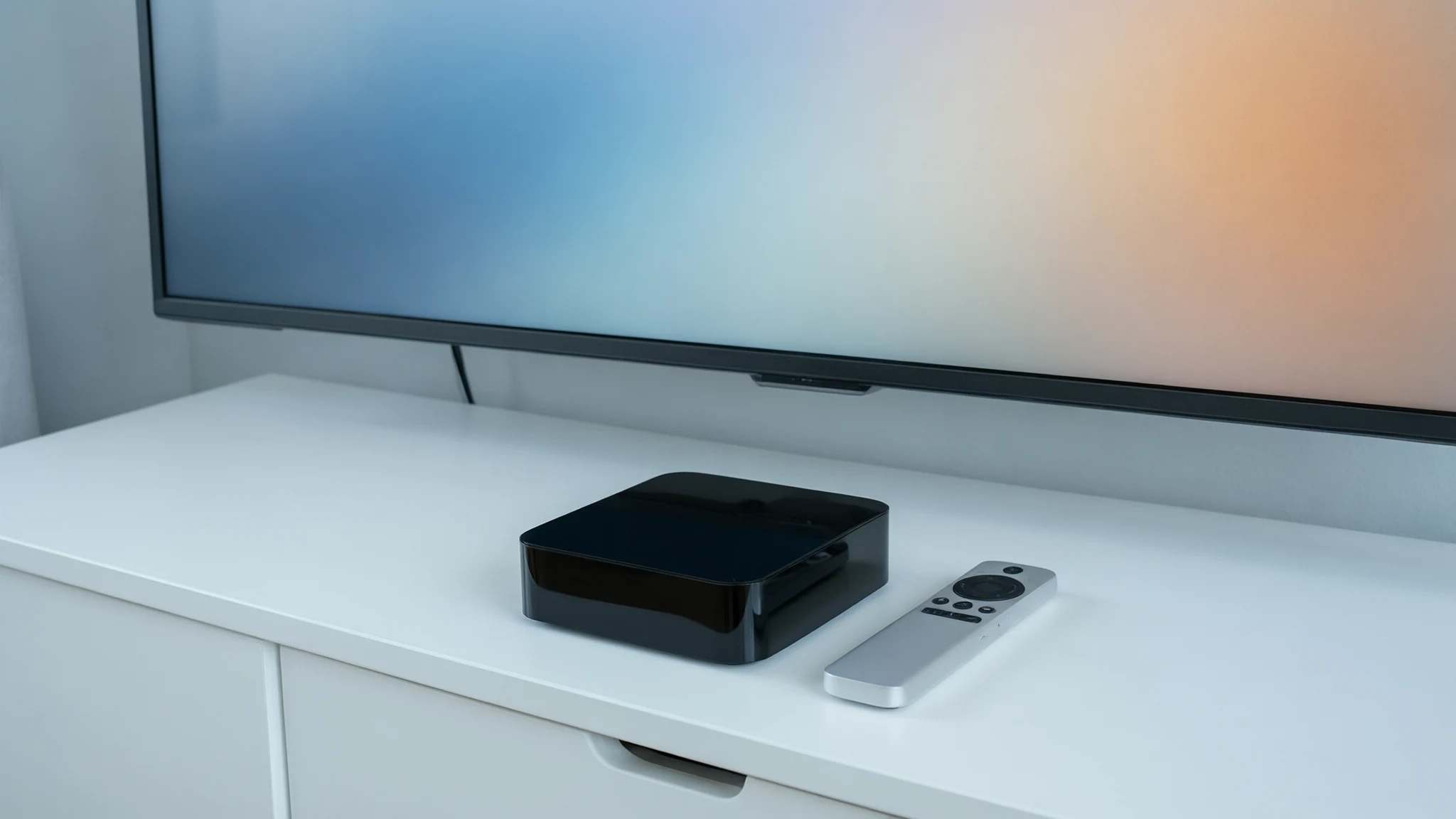
Step-by-step setup
Apple TV is a great IPTV device once the right app is installed. The only rule to know: everything comes from the App Store. There’s no way to install app files, so pick a player that’s listed there.
Choose a player
- Smarters Player Lite: the Apple version of IPTV Smarters Pro. Simple, and the same login screen as on a Firestick.
- IPTVX, UHF and iPlayTV: players designed for Apple devices, with a cleaner TV guide. Some are paid or have paid upgrades.
Our comparison of IPTV player apps goes deeper into the differences.
Set up IPTV on Apple TV
-
Install the app
On the Apple TV home screen, open the App Store, search for the player you chose and select Get.
-
Choose the login type
Open the app and choose to add a playlist or a provider. Pick Xtream Codes (sometimes called “Xtream API” or “Login with API”) if you have a server address, username and password, or M3U if you have a single link.
-
Enter your details
Type the server address, username and password exactly as we sent them. Tip: your iPhone can act as a keyboard for the Apple TV, which makes long addresses much easier.
-
Load channels and the guide
Confirm and wait while the app downloads channels and the TV guide. On the first run this can take a minute with large lists.
Recommended apps
-
Smarters Player Lite
The Apple version of IPTV Smarters Pro. Free to start, familiar if you already use Smarters on other devices.
Read the guide -
IPTVX, UHF and iPlayTV
Popular tvOS players with a more polished, Apple-style interface. Some are paid or offer paid upgrades, so try the free features first.
Read the guide
Common problems
- The app can't find my channels
- Check that you chose the right login type: Xtream Codes needs a server address, username and password; M3U needs one full link. Re-enter the details carefully, including http:// and the port.
- Typing logins with the remote is painful
- Use your iPhone as a keyboard: when a text field is open on the Apple TV, a keyboard notification appears on nearby iPhones signed in to the same Apple account.
- Buffering on Wi-Fi
- Apple TV 4K models with an Ethernet port are worth wiring up. Otherwise, keep the router close and use 5 GHz. Read the guide
Get your login
-
12 months
Most popular$ $60.99 for 12 monthsOrder — 12 months